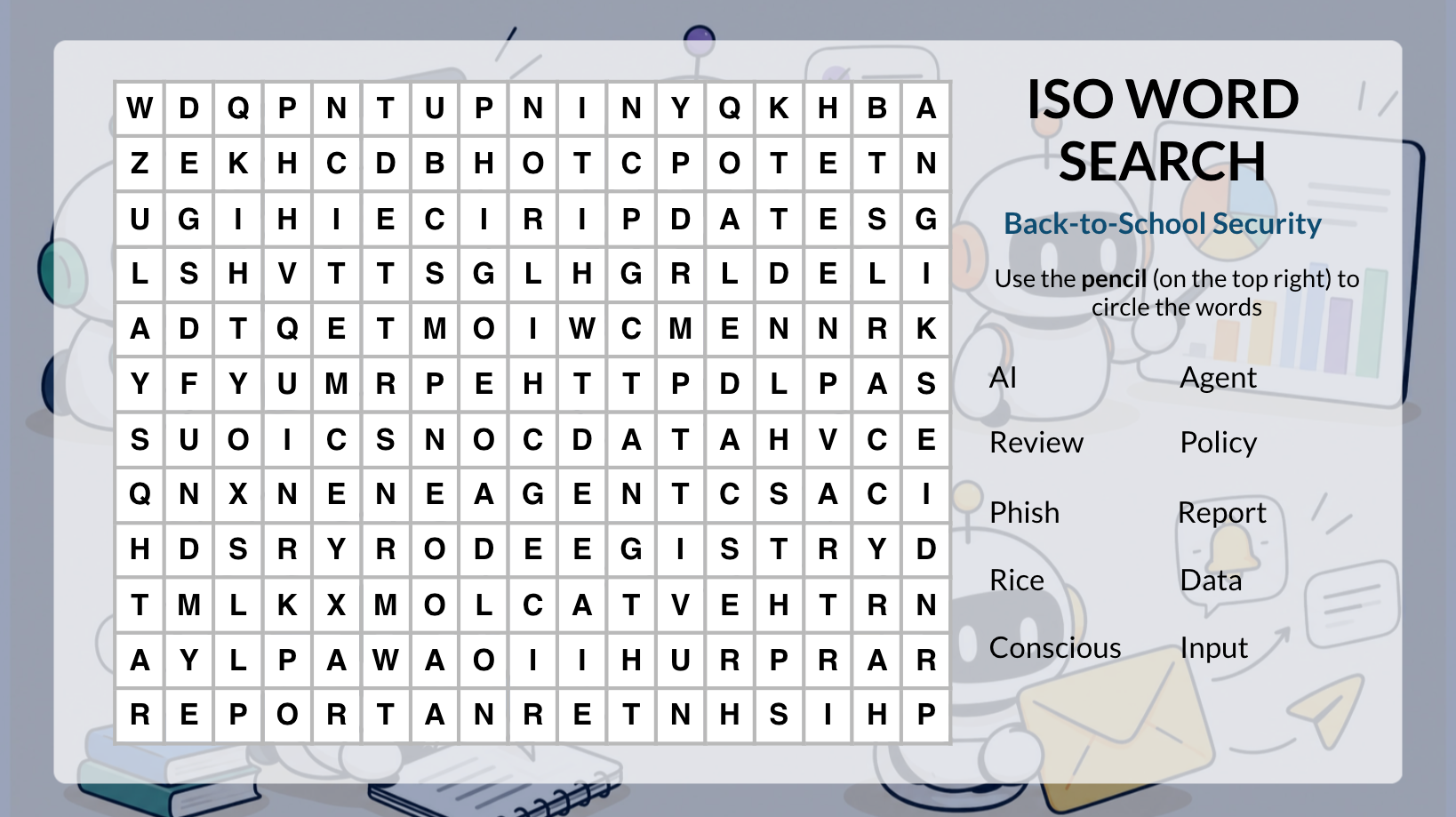
Back-to-School Security: A Few Simple Ways to Stay Safe
As the new school year begins, it's a great time to refresh your cybersecurity habits. Scammers often exploit the academic rush with phishing attempts designed to steal credentials and money or install ransomware. Scammers may also present tempting offers to grab your attention, such as scholarship opportunities, “you've been selected” job offers, unexpected refunds, or rebates for fees you never paid. If you are looking for legitimate student worker opportunities, please visit the 12Twenty site on the Center for Career Development (CCD) website. This is the official platform where on-campus employers list roles for prospective student assistants.
Deceptive emails often use subtle strategies to mask their true intent, including:
- Shortened URLs: Condensing links to conceal malicious external destinations.
- Lookalike Web Addresses: Substituting characters (such as using the lowercase letters "rn" to imitate an "m") to mimic official brands or official university channels.
- Plausible Timing: Aligning scams with high-traffic periods, such as holiday shopping rushes or the start of a new academic semester.
Stay vigilant against unexpected requests or 'too good to be true' offers; taking a few extra seconds to verify sender identity and links can help protect your personal data and the entire Rice community.
A Few Good Security Practices
Maintaining good security best practices is essential for protecting sensitive data, university assets, and personal information. Before engaging with any message that prompts immediate action, it’s important to take a moment to evaluate its legitimacy. Remember, official staff members will never solicit your login credentials or private information via email.
Here are a few best practices you should follow:
- Keep your operating system, applications, and browsers up to date.
- Use a strong passphrase and enable MFA via DUO.
- Lock your computer when stepping away, even for a few minutes.
- Avoid using unknown or unsecured Wi-Fi networks when handling sensitive information.
- When in doubt, double-check: If something seems too good to be true, don't let excitement or urgency rush you into making a decision. Take a moment to verify the offer or request before taking action.
Ready to take it to the next level? Try these pro tips:
- Review your Duo devices: Periodically check the devices enrolled in Duo and make sure you recognize them. When a Duo push notification arrives, read it before approving. If you did not initiate the login, deny the request and report it. Approving on autopilot is exactly what the attackers are counting on.
- Clear cookies on shared devices: Cookies can retain login sessions and other information. Clear them when using shared, public, or borrowed computers, and never save your passwords on a computer/devices that isn't yours.
- Share information securely: Use Rice-approved tools such as OneDrive, Google Workspace, or Box when sharing documents containing personal or academic information. Avoid sending sensitive files as plain email attachments and check the sharing permissions before sending. “Anyone with the link” is rarely the setting you actually want.
A few extra seconds can make a big difference. Pause. Verify. Then act. And remember report any suspicious emails by forwarding the email to phishing@rice.edu.
Why Reporting Cyber Incidents Matters: Your Role in Rice’s Cyber Defense
Cybersecurity is a shared responsibility, and reporting suspicious emails is one of the most impactful ways to safeguard our digital community. By flagging threats rather than simply deleting or ignoring them, you transform from a passive recipient into an active defender within Rice’s digital ecosystem.
When you forward suspicious emails to phishing@rice.edu, you empower the Information Security Office (ISO) to:
- Contain Threats: Investigate active campaigns to prevent widespread damage across our community.
- Optimize Filters: Email protection software and automated filters rely heavily on user reports. The data from your reported email helps the system identify and block similar malicious messages before they ever reach your colleagues' inboxes.
- Expose Tactics: Tracking reported emails helps security professionals document emerging threats such as vishing, smishing, qishing, and AI-powered deepfakes and post them in public reference tools like the Phish Bowl to raise community awareness.
Responsible Use of AI
As artificial intelligence evolves at Rice, maintaining data security, oversight, and ethical standards is more critical than ever. Whether you are using generative tools for simple tasks or setting up automated agents to handle complex workflows, keep these institutional principles in mind:
Data Protection & Boundary Limits (Policies 808 & 832)
- Conscious Data Input: Sensitive or confidential data, such as CUI (Controlled Unclassified Information), student records, and health data, must never be fed into unvetted AI models for read/write access to external AI agents.
- See Rice’s AI Usage Guidelines for vetted services.
- Limit Agent Scope: When deploying agentic AI tools that read emails, access Google Drive, or modify databases, apply the principle of least privilege. Grant only the minimum permissions necessary for the specific task.
- When deploying agentic AI, review our article CISA Guidelines for Agentic AI.
Autonomous Action Needs Human Oversight
- Maintain a Human-In-The-Loop: Agentic AI tools can perform chain-of-thought reasoning, but they can still hallucinate or execute unintended actions. Never allow an autonomous agent to send external communications, modify critical databases, or make policy/financial decisions without explicit human review and approval.
- Verify Outputs and Code: Routinely inspect agent execution logs, generated code, and outputs before integrating them into operational or academic workflows.
Academic & Professional Integrity
- Students: Using AI tools to generate work and submit it as your own violates the Rice Honor Code. Always follow course-specific guidelines set by your instructors. Leverage AI as a supplemental learning aid to enhance your skills and personal development; avoid total dependence on these tools, as they can hinder your critical thinking and long-term academic growth.
- Faculty & Staff: Disclose the use of AI-generated media in departmental or public-facing communications to maintain transparency across the community.
October is National Cybersecurity Awareness Month (NCSAM)
As we enter October, Rice joins the national effort to prioritize cybersecurity education and digital safety. NCSAM is dedicated to raising awareness about the importance of protecting our digital lives and fostering a culture of security across our community.
Throughout the month, the Rice community will be hosting a series of interactive events designed to test your knowledge and strengthen our collective defense:
- Test Your Skills: Participate in our weekly cybersecurity quizzes and the "Spot the Deep Fake" challenge.
- Immersive Experiences: Engage with our cybersecurity games and both virtual and in-person escape room challenges.
- Community Engagement: Test your cyber knowledge during a dedicated game night and join Molly McLain Sterling, Chair of the Executive Customer Advisory Boards and Senior Director of Global Cybersecurity Strategists at Proofpoint, in an interactive session exploring four real-world data security incidents involving AI. Discover how manipulated prompts and unauthorized shadow assistants led to data loss, and examine what went wrong and how to prevent similar incidents.
Stay tuned for more details on these events. Your participation helps turn the entire campus into an active, vigilant cybersecurity team. Remember: Pause. Verify. Then act.